Well Control
00:00
/
00:00
Experience Overview
- Student completion records
- VR training certificates
- Training groups
- Scheduling
- Set refresher training frequency
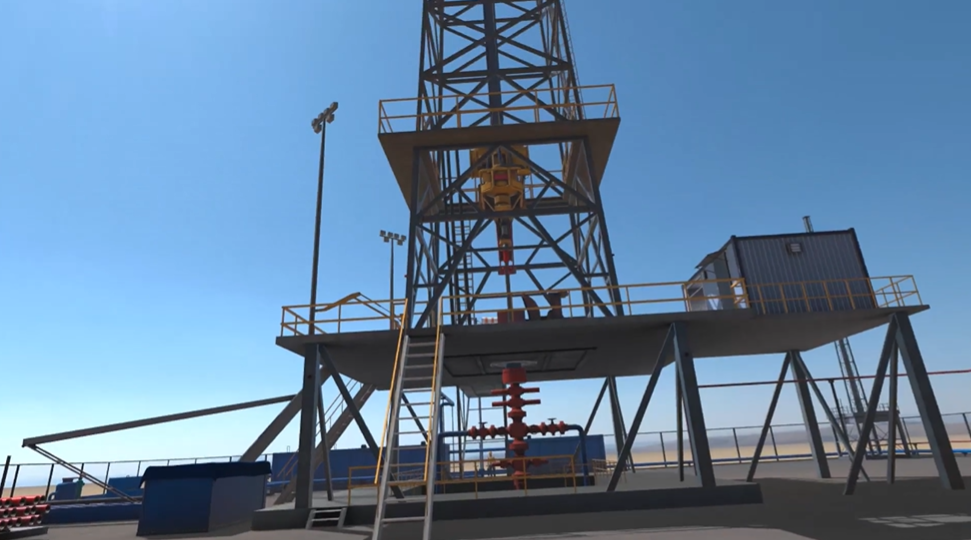
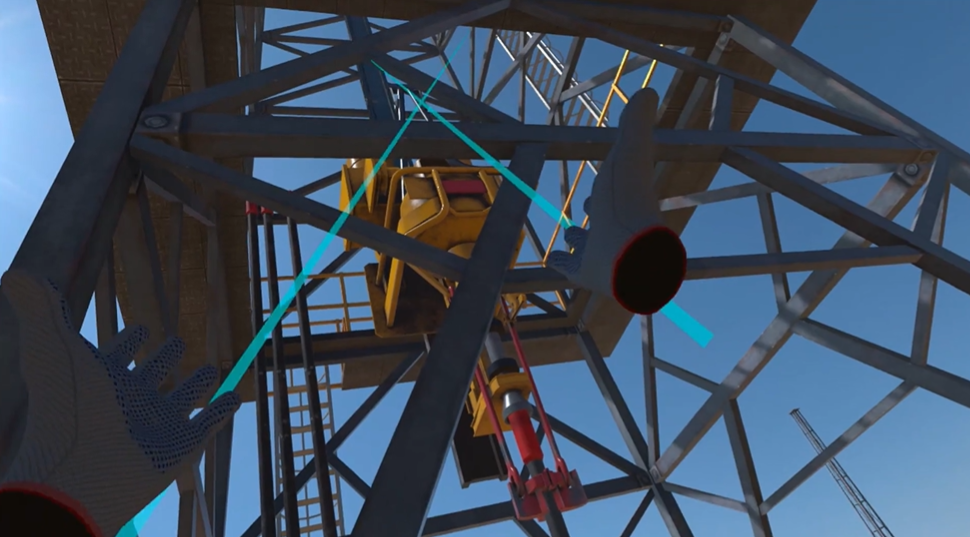
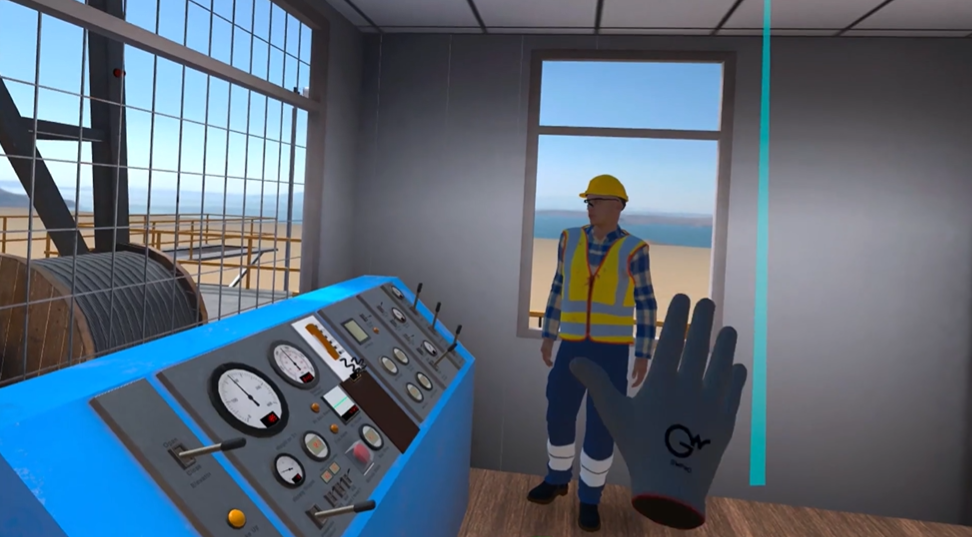
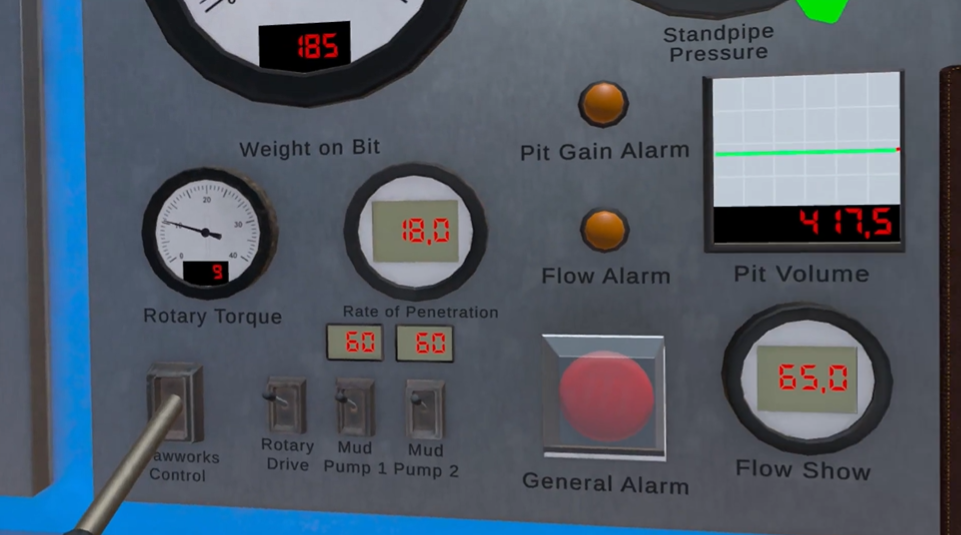
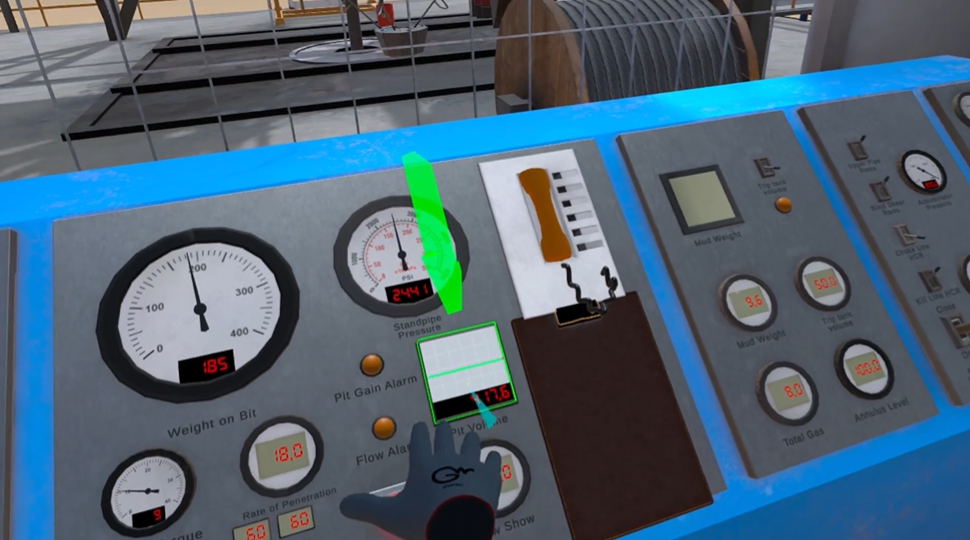
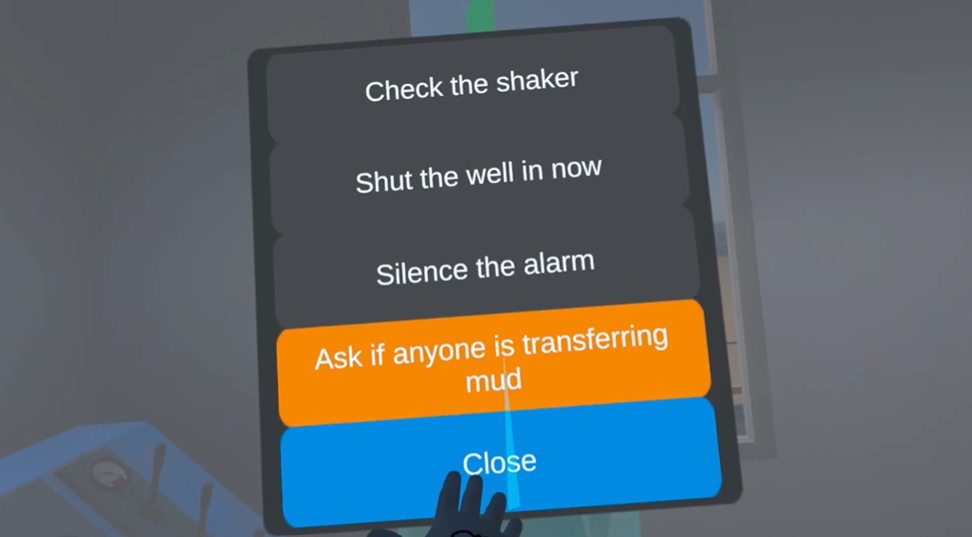
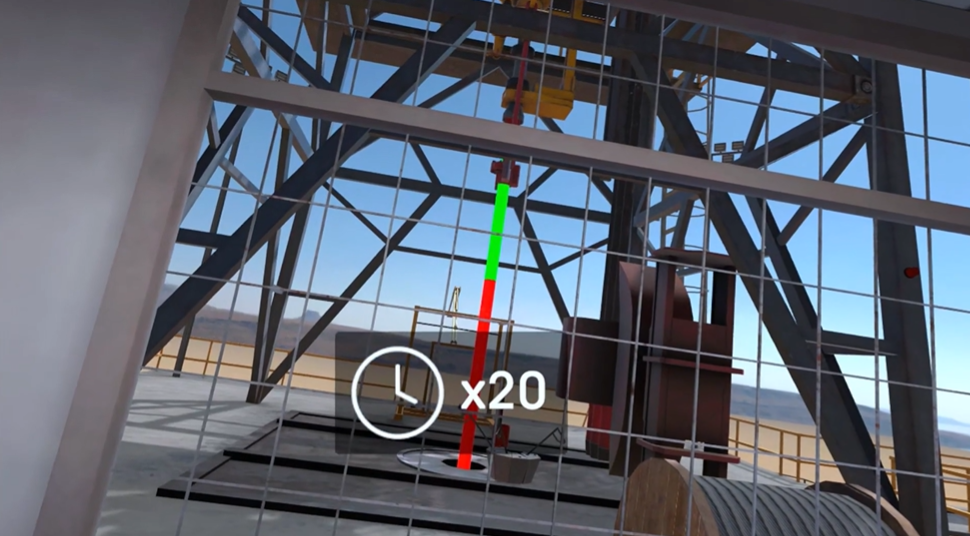
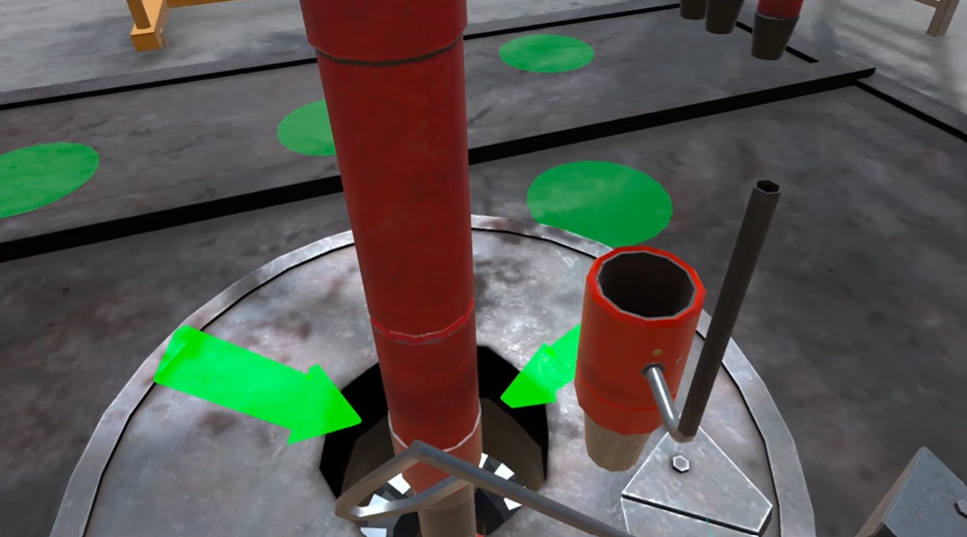
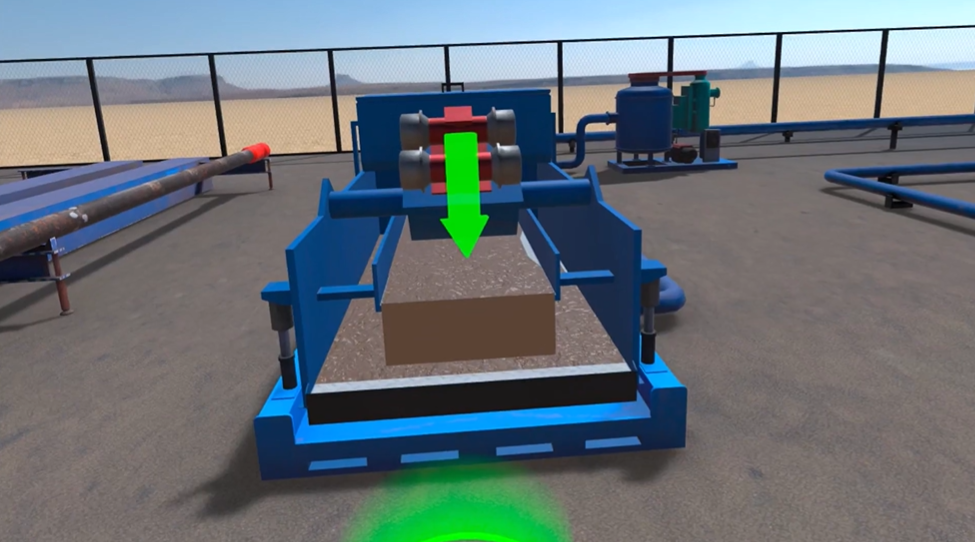
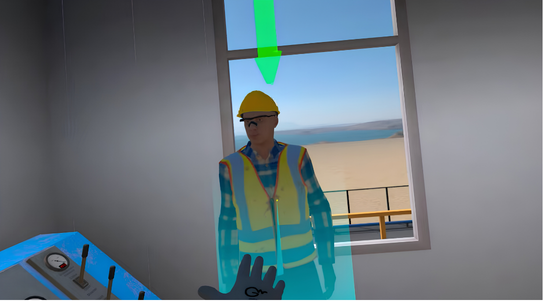
The training begins with reviewing shut-in well data, including drillpipe pressure, casing pressure, pit gain, and kill sheet calculations. Users then take position at the remote choke console and coordinate with the assistant driller to bring the pump up to the required kill rate while controlling well pressures.Users practice the Driller's Method by monitoring pressure gauges, adjusting the choke, and maintaining the required circulating pressures as the influx is removed from the well. They then calculate the necessary kill mud weight and simulate circulating weighted mud through the well to establish hydrostatic control.The final steps involve shutting down the pumps, verifying well pressures, checking for flow, operating the blowout preventer controls, and reporting the completed well kill to the toolpusher.
Languages
Learning Outcomes
Quick answers to important questions
Didn’t find the answer? Contact us and we’ll tell you more.
What is Custom VR Builds?
It’s a service where Next World creates a fully tailored VR-training solution for your company — a custom course built to meet your industry-specific requirements rather than using a generic off-the-shelf VR module.
How does the custom-build process work?
The process typically follows these phases: you provide training documentation, subject-matter experts get involved, learning outcomes are identified, storyboard is created, virtual assets are modeled, testing and quality assurance, and finally deployment in your environment.
What type of training scenarios can be built?
You can build VR scenarios for hazard awareness, safe-practice with tools and equipment, practicing safety procedures step-by-step, and even testing learner’s knowledge in simulated hazardous situations — as if in real life but safe.
Is custom VR suitable for refresher training as well?
Yes — custom VR builds can be used for refresher/training-update courses to efficiently refresh skills and knowledge without re-arranging real equipment or putting people at risk.
What learning methodology does custom VR follow?
Next World suggests a blended approach: combining face-to-face, practical and immersive training methods, which helps improve retention, practical competence, and reduces incidents.