Working at Heights - 1
%201.png)
00:00
/
00:00
- 12 minutes run time (Including tutorial)
- Student completion records
- VR training certificates
- Training results
- Behavioral metrics
- Response times
- Training groups
- Scheduling
- Set refresher training frequency
- Modelled from Unit of Competency: RIIWHS204E
Train your team to think clearly, act safely, and manage high-risk tasks—before their boots ever leave the ground.
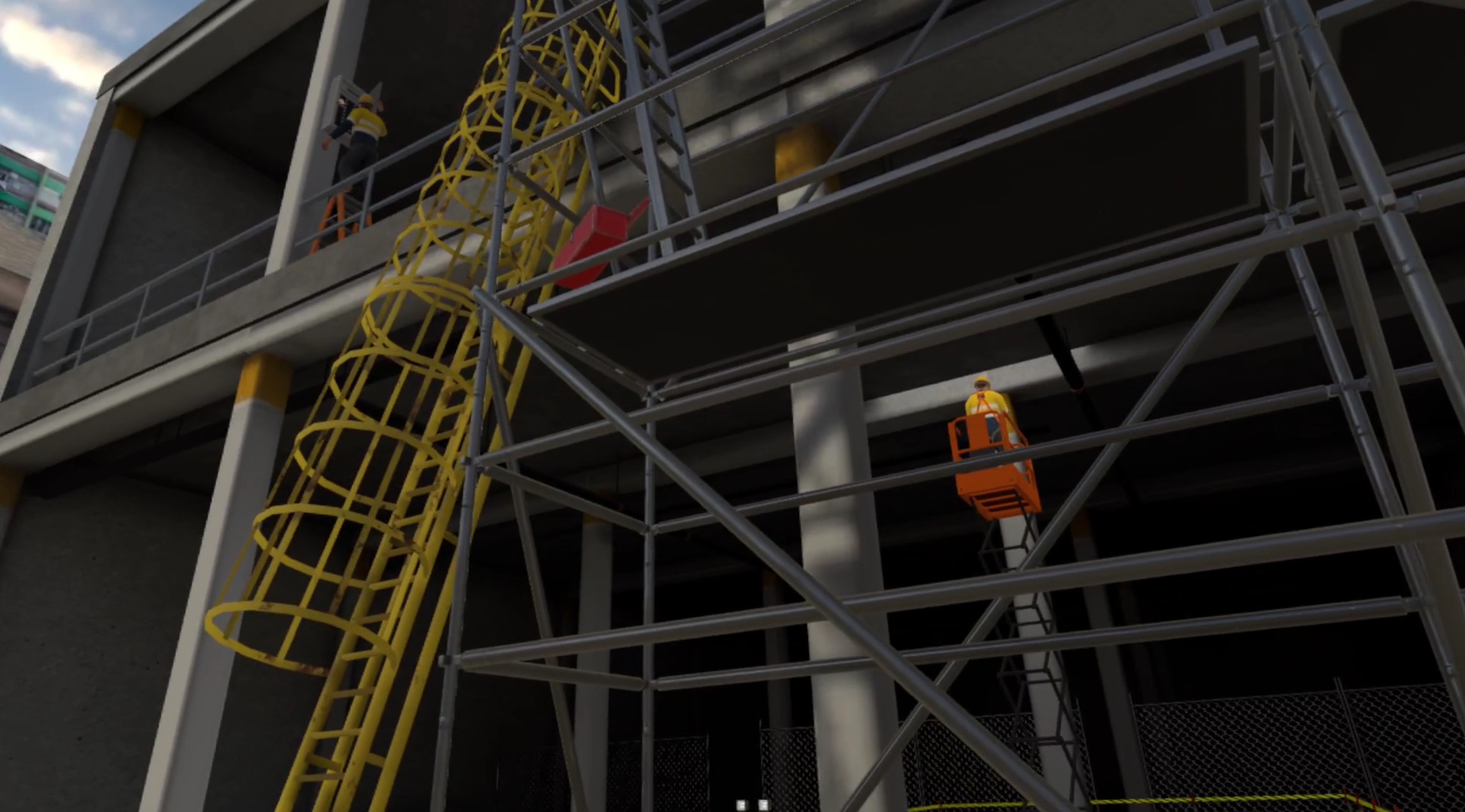
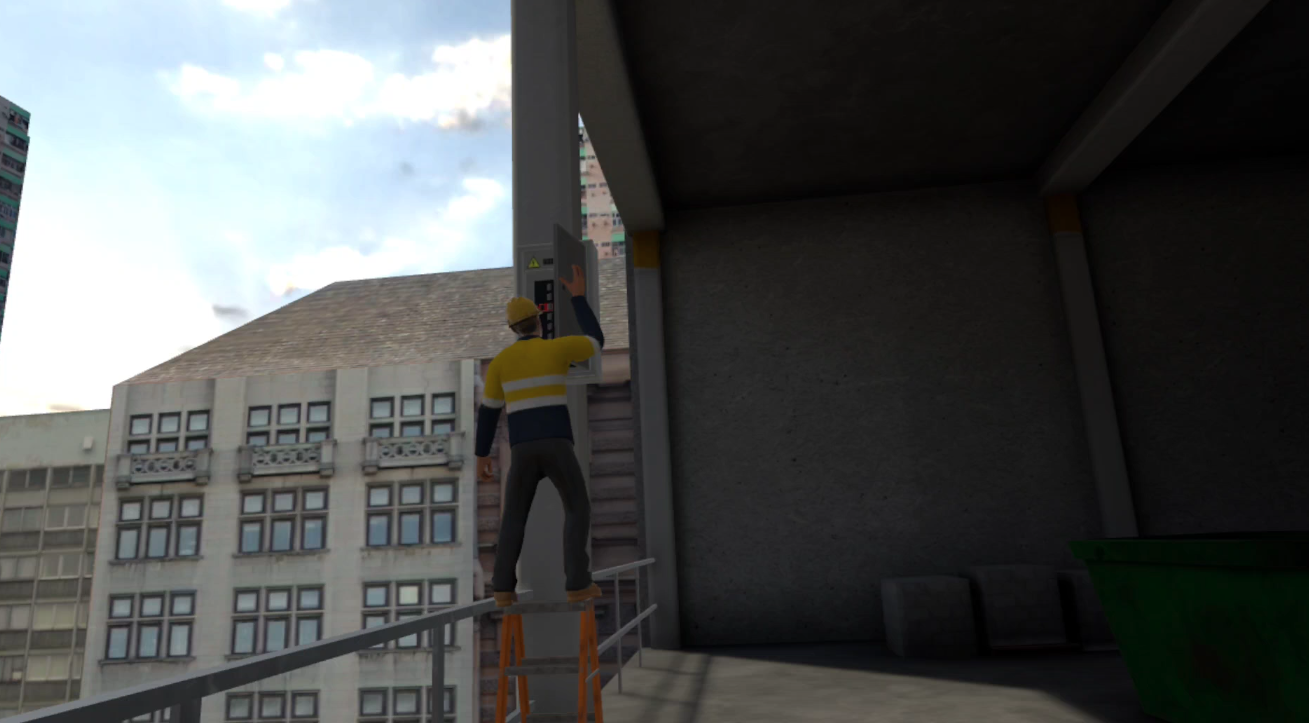
This immersive experience prepares workers for one of the deadliest aspects of the job: working at height. Trainees step into a simulated job site to identify hazards, assess risks, and apply the correct control measures—without ever putting themselves in danger. It’s designed to build both foundational knowledge and real-world readiness.
Working at heights is a leading cause of workplace fatalities—often due to inadequate training and poor hazard recognition.
Participants are challenged in a high-risk environment where they must:
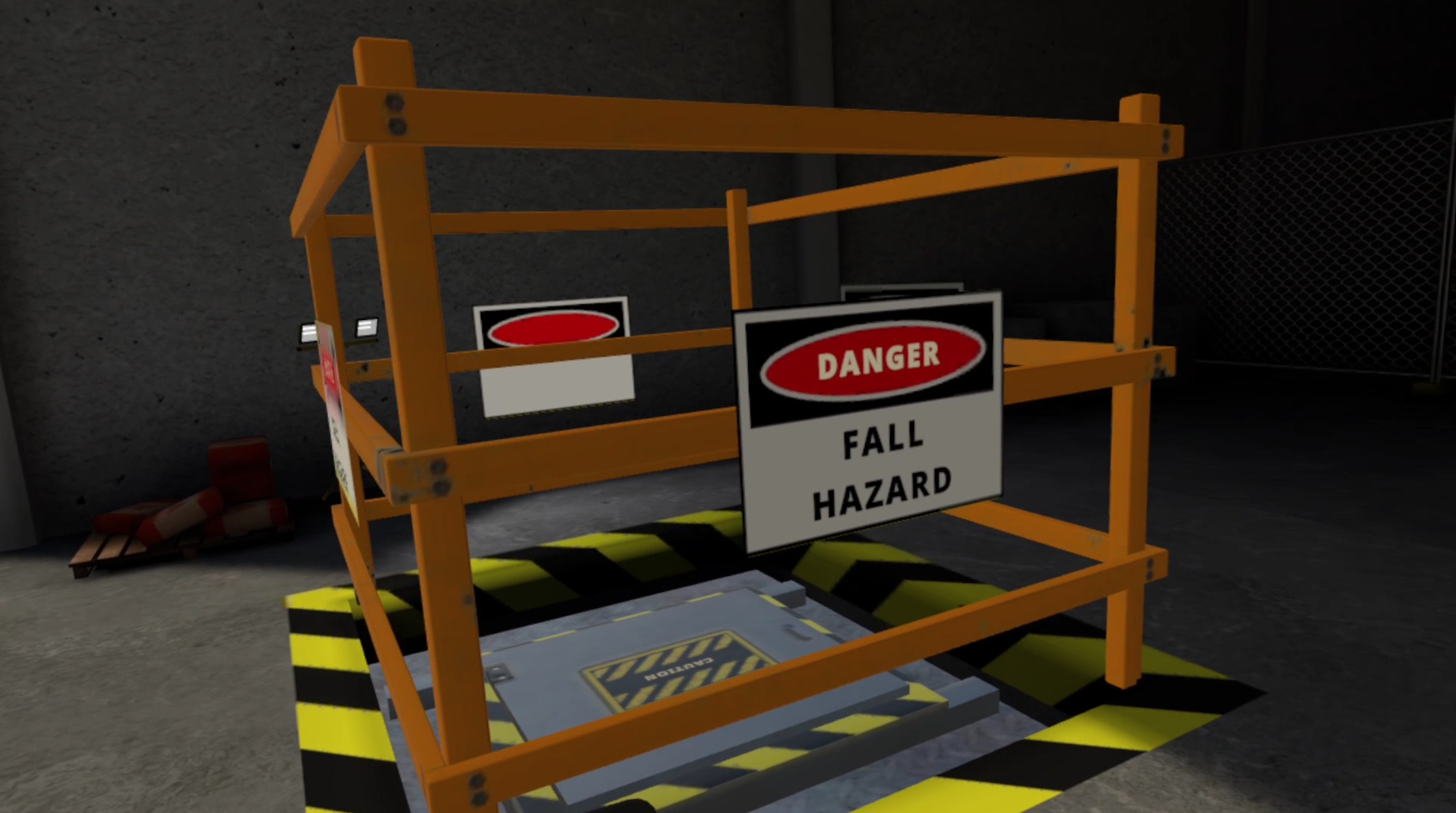
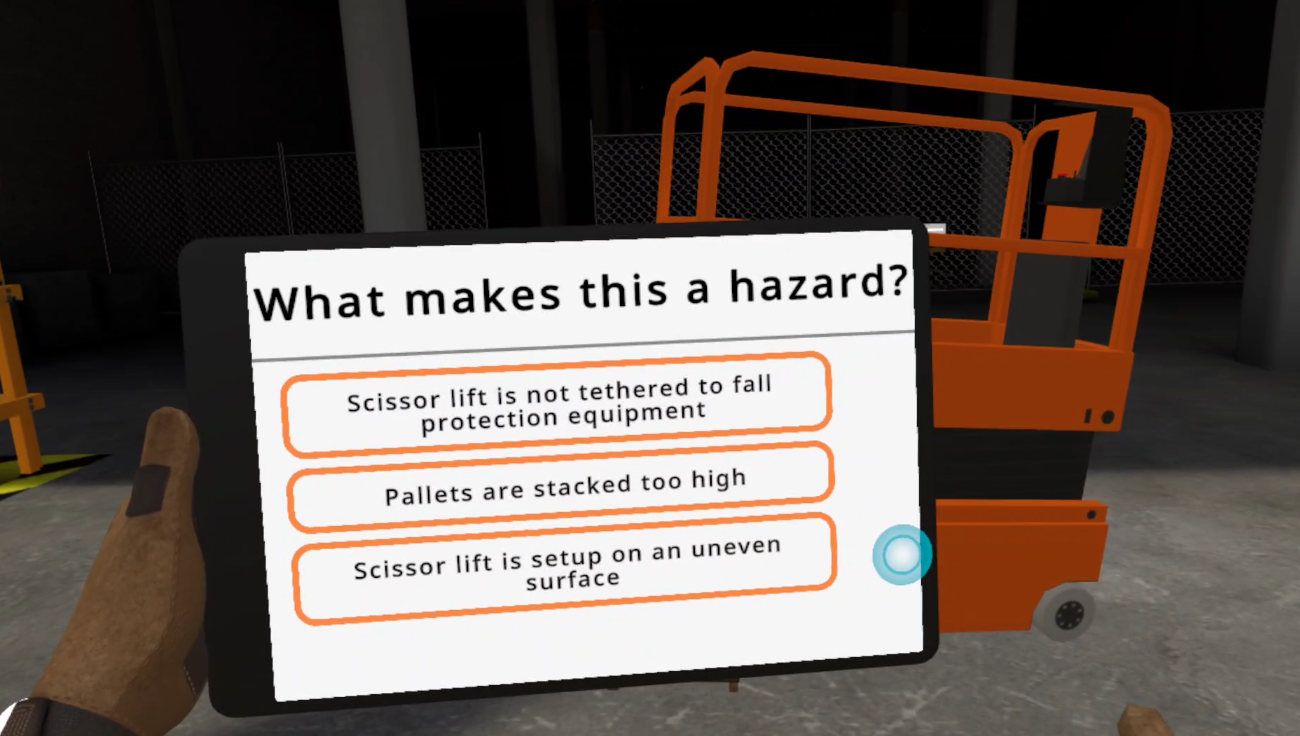
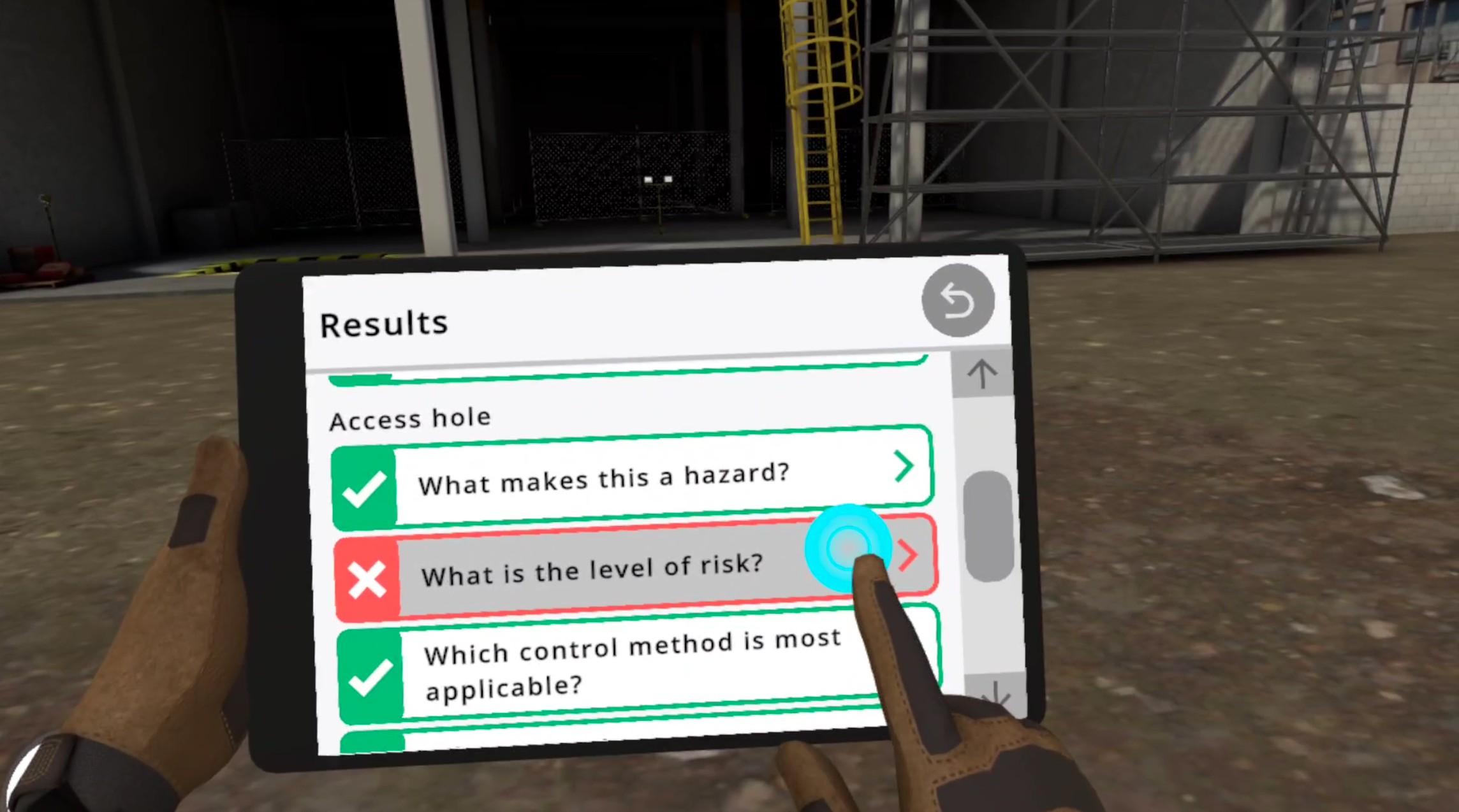
- Identify common fall hazards across rooftops, scaffolds, and elevated job sites.
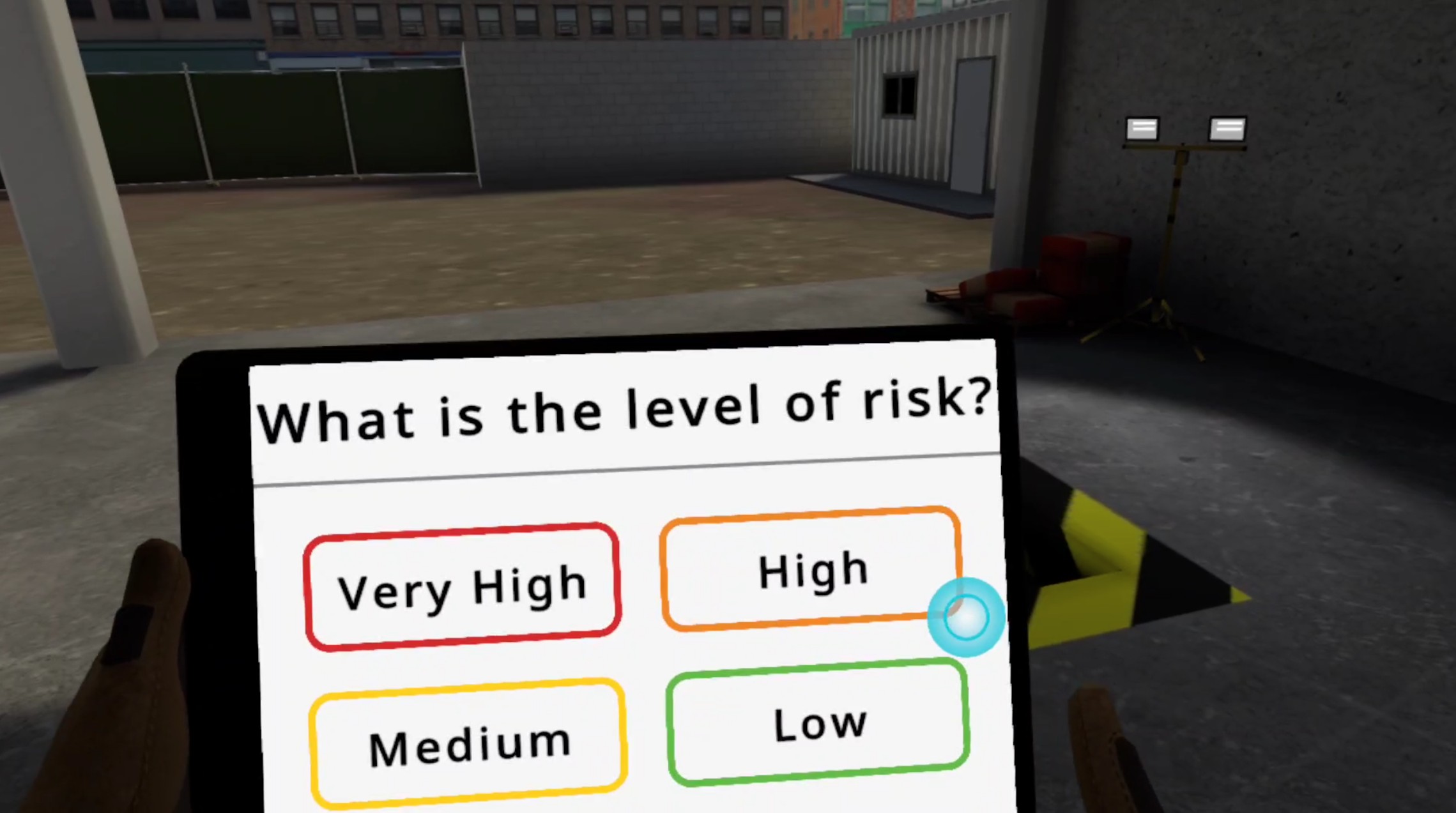
- Conduct a full site safety risk inspection under exam conditions.
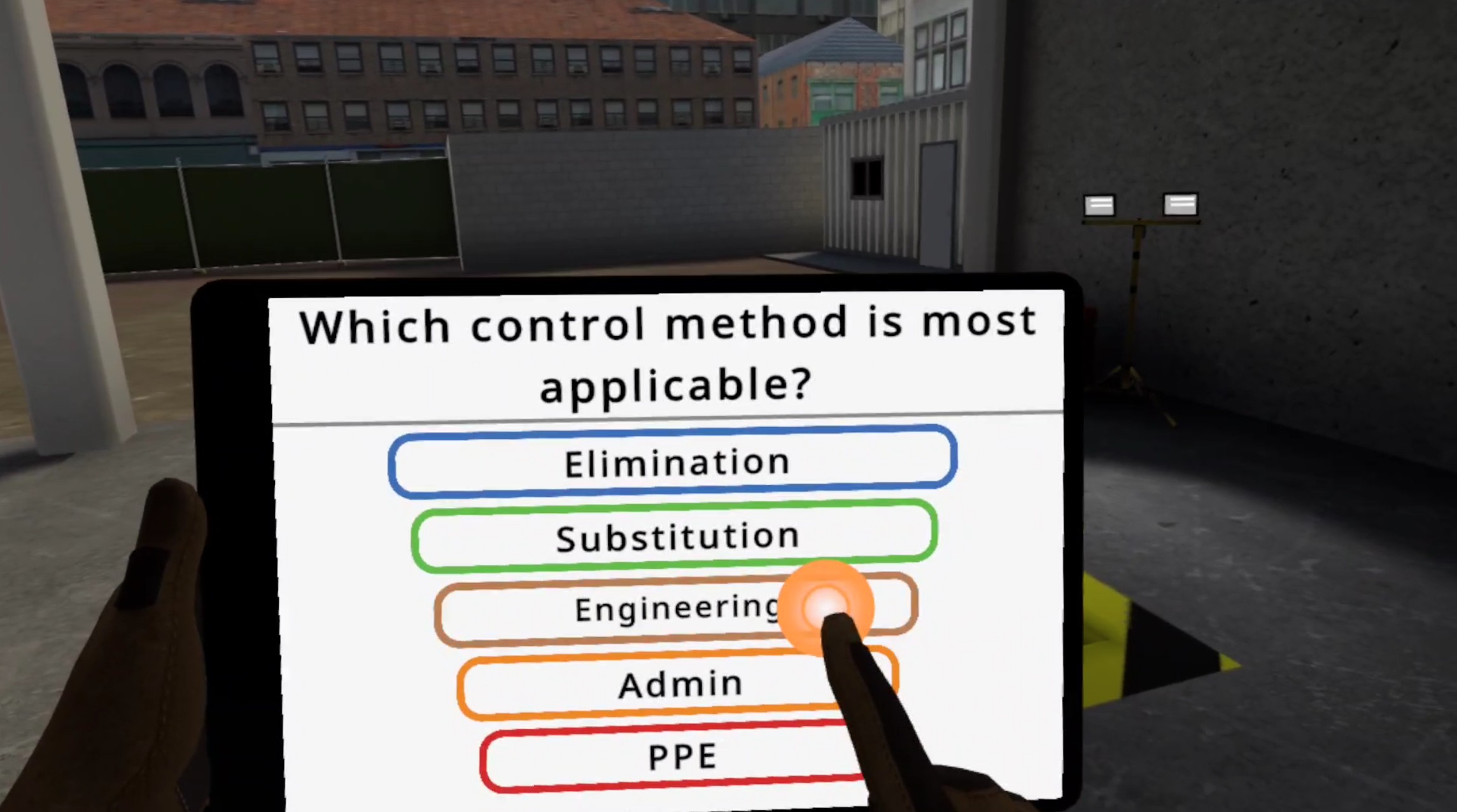
- Apply the Hierarchy of Controls to mitigate risk.
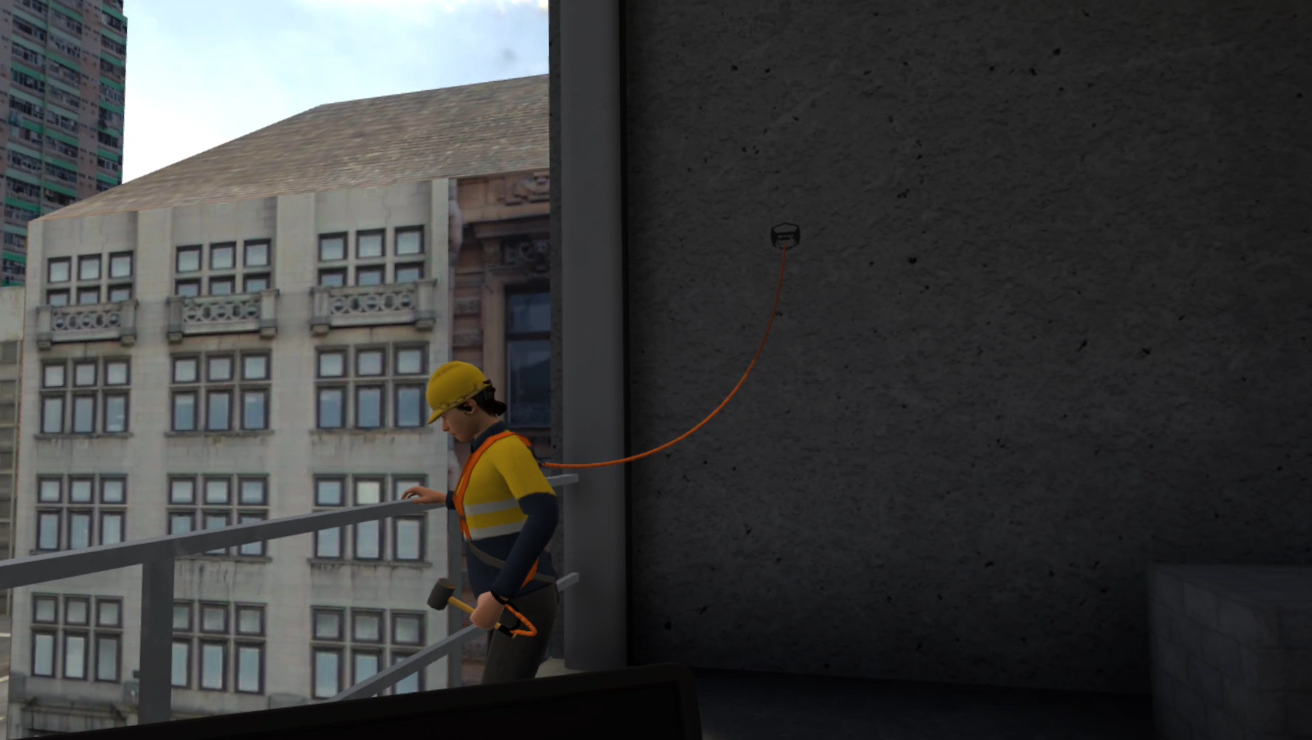
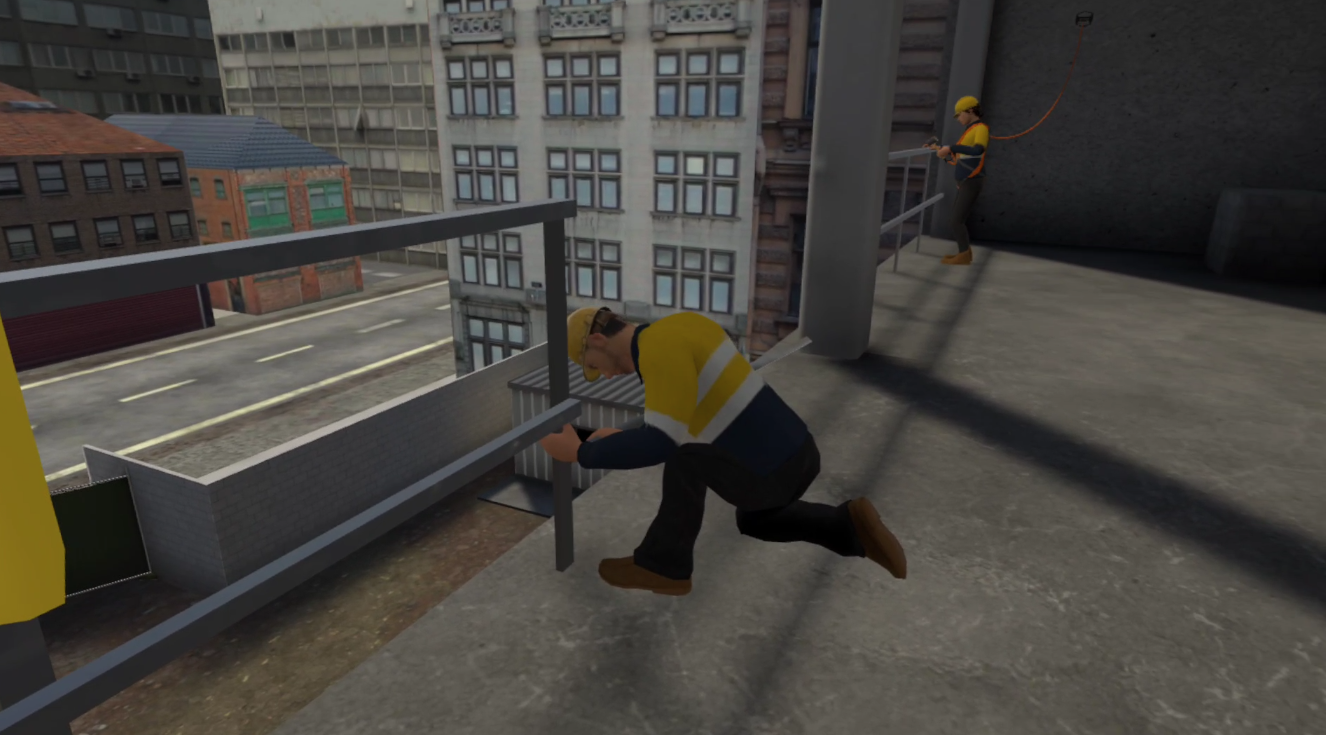
- Select and use appropriate fall protection equipment with confidence.
- Respond to developing hazards with practical, real-time decisions.
This hands-on VR training delivers more than theory—it creates instinctive, confident behavior that reduces incidents and reinforces a proactive safety culture at any elevation.
Languages
Learning Outcomes
What is Custom VR Builds?
It’s a service where Next World creates a fully tailored VR-training solution for your company — a custom course built to meet your industry-specific requirements rather than using a generic off-the-shelf VR module.
How does the custom-build process work?
The process typically follows these phases: you provide training documentation, subject-matter experts get involved, learning outcomes are identified, storyboard is created, virtual assets are modeled, testing and quality assurance, and finally deployment in your environment.
What type of training scenarios can be built?
You can build VR scenarios for hazard awareness, safe-practice with tools and equipment, practicing safety procedures step-by-step, and even testing learner’s knowledge in simulated hazardous situations — as if in real life but safe.
Is custom VR suitable for refresher training as well?
Yes — custom VR builds can be used for refresher/training-update courses to efficiently refresh skills and knowledge without re-arranging real equipment or putting people at risk.
What learning methodology does custom VR follow?
Next World suggests a blended approach: combining face-to-face, practical and immersive training methods, which helps improve retention, practical competence, and reduces incidents.